
CrazyFit feature
Advanced Workout Player →
See the app capability behind this guide.
GD-08 / Go deeper
Keep the session running and adjust the relevant value when the player allows it. For example, change a 10-rep target to 12 reps instead of stopping and rebuilding the workout.
The idea
Real training can differ from what you expected. A rest may need to be longer, a set may be heavier or you may complete more reps.
Use the simplest view for normal playback, then open more detailed controls when a change is needed. Note what actually happened so the completed session stays accurate.
A practical example
The same idea can apply to other supported values such as duration, weight or sets when they are relevant to the workout.
Keep in mind
Change only what reflects the session you are actually doing. Live edits are not a reason to make every workout more complicated.
How CrazyFit helps
CrazyFit Simple View keeps ordinary playback clear. Advanced View provides live adjustment controls when the workout changes.
Try CrazyFit on Google Play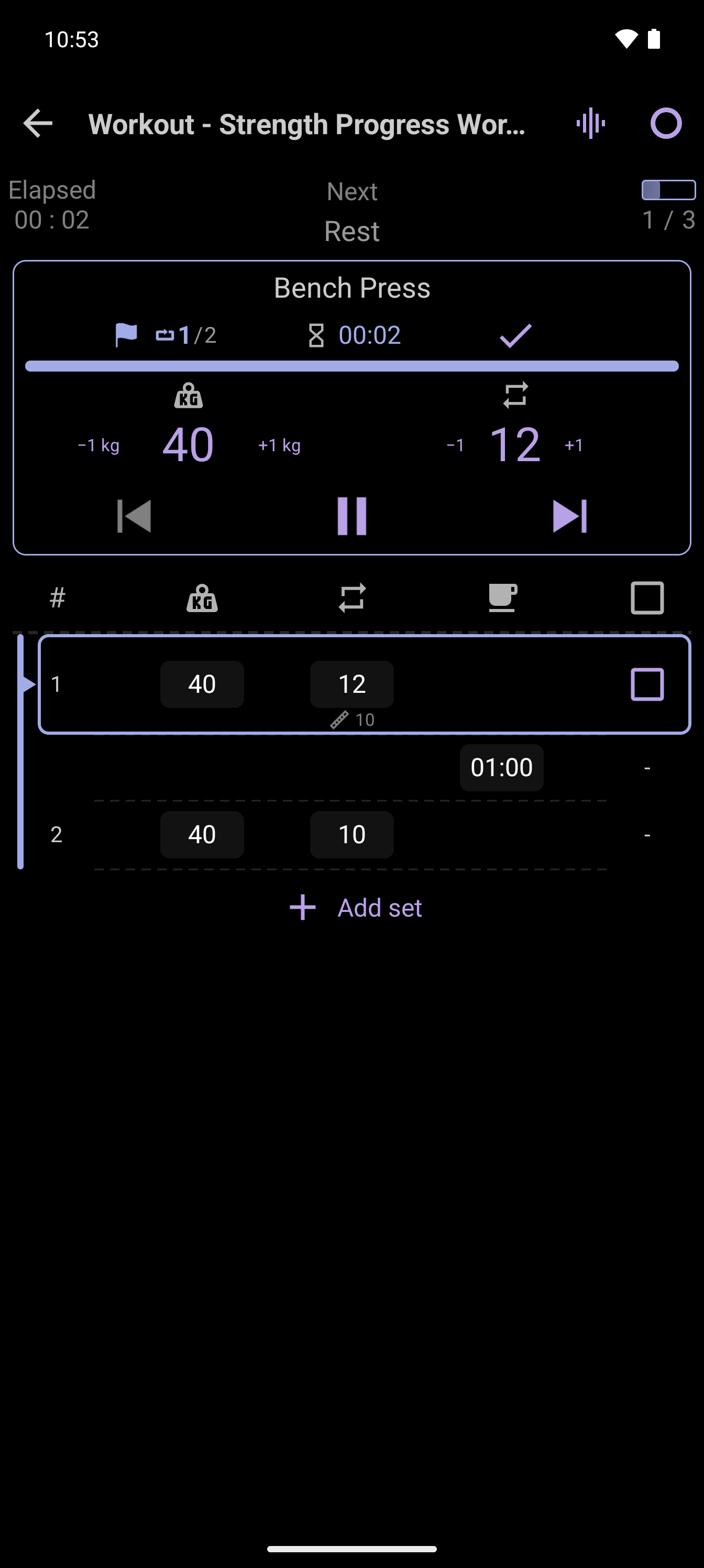
Build it. Run it. Track it.
Use CrazyFit to create, follow and review workouts that fit your training.
Try CrazyFit on Google Play